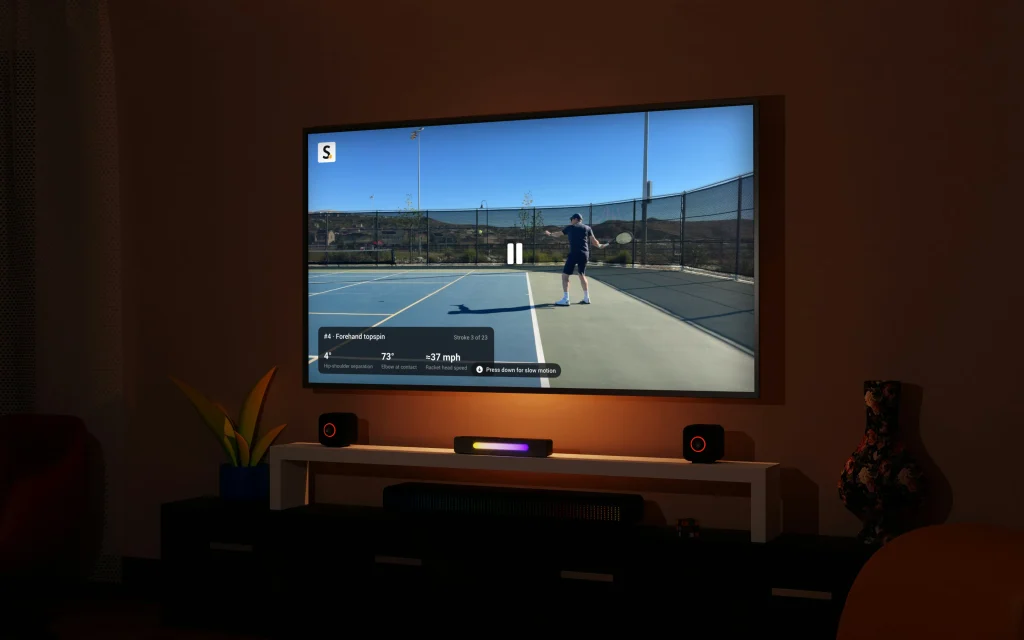
Your venue may already own its next tennis scoreboard. With the new Organizations update, the Smashpoint Apple TV app turns any TV into a live tennis scoreboard, fed point by point from the courts, for the price of an Apple TV instead of dedicated scoreboard hardware. Whether you run one club, a league, a tournament or events for a whole federation, it works the same way.
The expensive way to run a tennis scoreboard
If you have ever priced a dedicated court scoreboard, you know where this is going. LED scoreboards are a serious cost per court before installation, they need wiring and weatherproofing, and most of them still depend on someone standing there pushing buttons. Software based venue systems are not much friendlier: more hardware, more subscriptions, another thing for the front desk or the tournament office to manage.
Meanwhile almost every venue already has a TV on a wall: the clubhouse, the players’ lounge, the tournament desk, the spectator area. We think that TV, plus an Apple TV behind it, is the better scoreboard. The Smashpoint app is a free download, and the scores come from the match tracking your players and coaches are already doing on court.
Your Organization, live on the wall
Switch the Apple TV to your Organization and the home screen becomes the day’s play. Matches in progress sit on top, each with live set scores, the court, and how long play has been running. Completed matches follow, with the winner’s check mark and the full scoreline, so anyone walking in sees who played and who won.
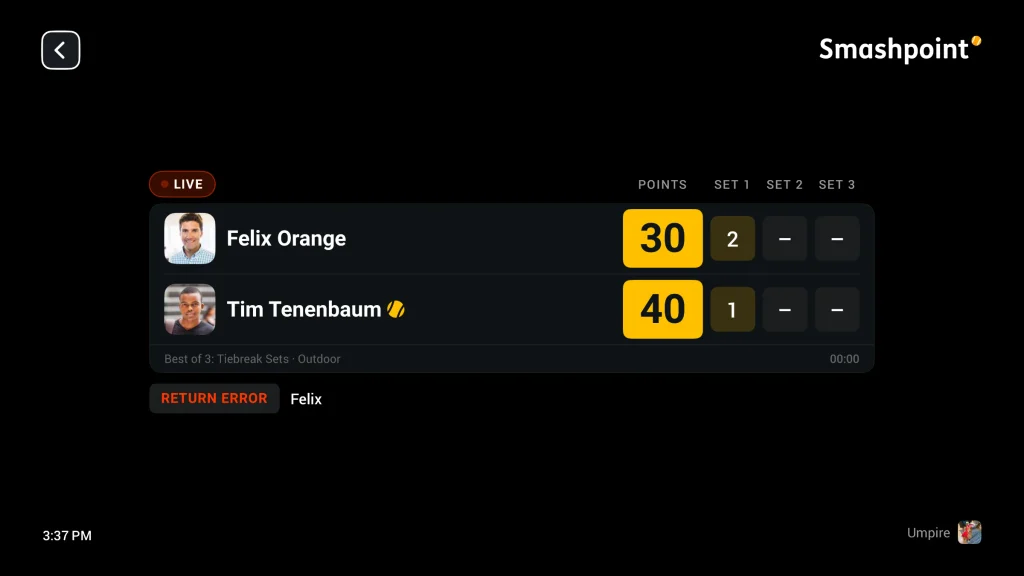
There is nothing to operate. Scores flow from whoever is tracking courtside, on iPhone, Android, or Apple Watch, and the TV updates within seconds. The same tracking that powers your players’ stats and ratings now powers the room.
Auto Play runs the room
A scoreboard should not need a person behind it. Turn on Auto Play and the TV takes care of itself: it rotates through your live courts, shows the latest results, and keeps moving all day. Press play or pause on the Siri Remote and it stops or starts, from anywhere in the app.
Two moments get special treatment. When any court reaches set point or match point, the TV cuts to that court full screen with a gold banner, because that is the moment everyone should look up. And at changeovers, the scoreboard flips to a stat comparison, aces, winners, unforced errors, break points, exactly like the graphics you know from watching tennis on TV. When play resumes, the live score comes back on its own.
That level of detail is only possible because Smashpoint tracks matches point by point, not just final scores. The TV is showing data that scoreboard hardware simply does not have.
Between matches, the TV stays interesting
No court in play? The rotation keeps the wall worth glancing at:
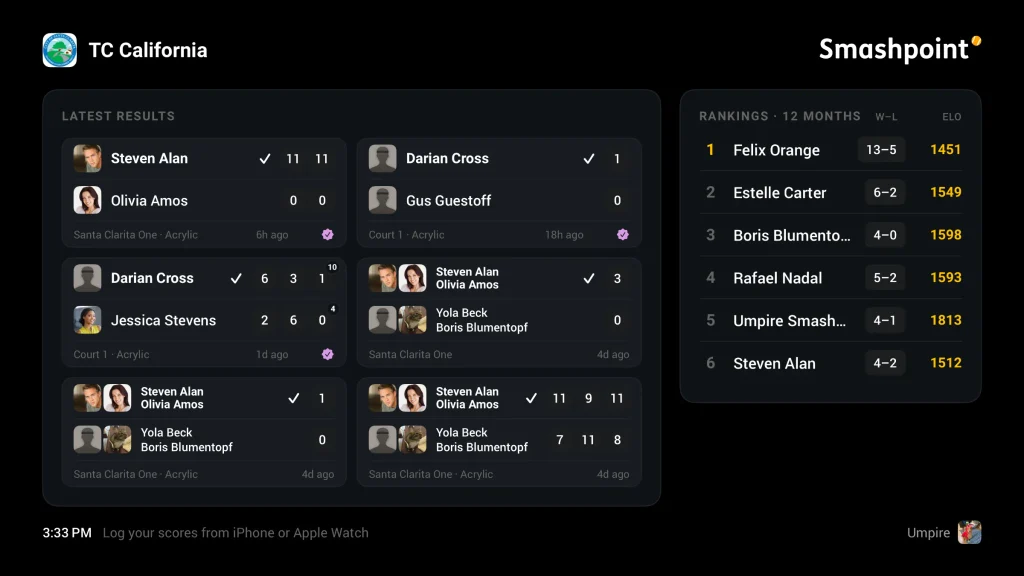
- Latest results. The most recent completed matches across your Organization, with courts, surfaces, and when they finished.
- Rankings. Your Organization’s top players with their win and loss records and ELO ratings side by side.
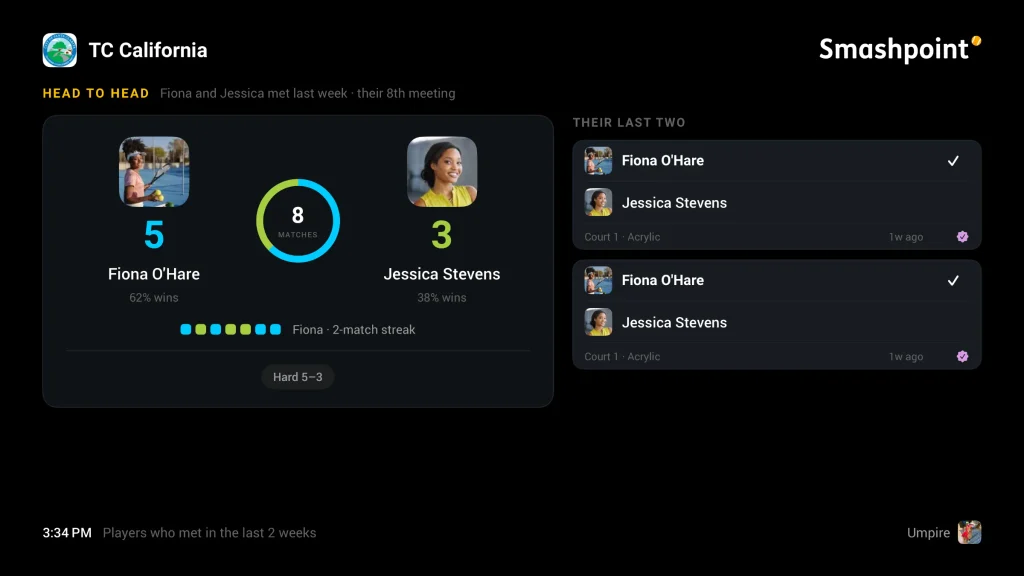
- Head to head. When two players have met in the last two weeks, the TV tells the story of their rivalry: lifetime record, current streak, surface records, and their latest scorelines.
- Player spotlight. A rotating portrait of a player from your Organization’s top 20, with rating, record, and recent form.
The spotlight is consensual by design. Any player can switch it off in My Profile, and that choice only affects the spotlight. Results and rankings are the Organization’s record and always stay complete.
Replays on the wall, and matches on your home screen
If your trackers record video of crucial points, those replays play on the big screen too. A break point saved on Court 2 can be up on the TV minutes later, with the match card right there on screen. It is a small moment that never gets old.
We also rebuilt the Apple TV home screen presence. Put Smashpoint in the top row and the Top Shelf shows what is happening right now, live matches and today’s results, before you even open the app.
And everything here works for personal accounts as well. If your daughter’s match is being tracked by her coach or the other parent, you can follow it live from your couch. Same app, same scoreboard, your living room.
Getting set up
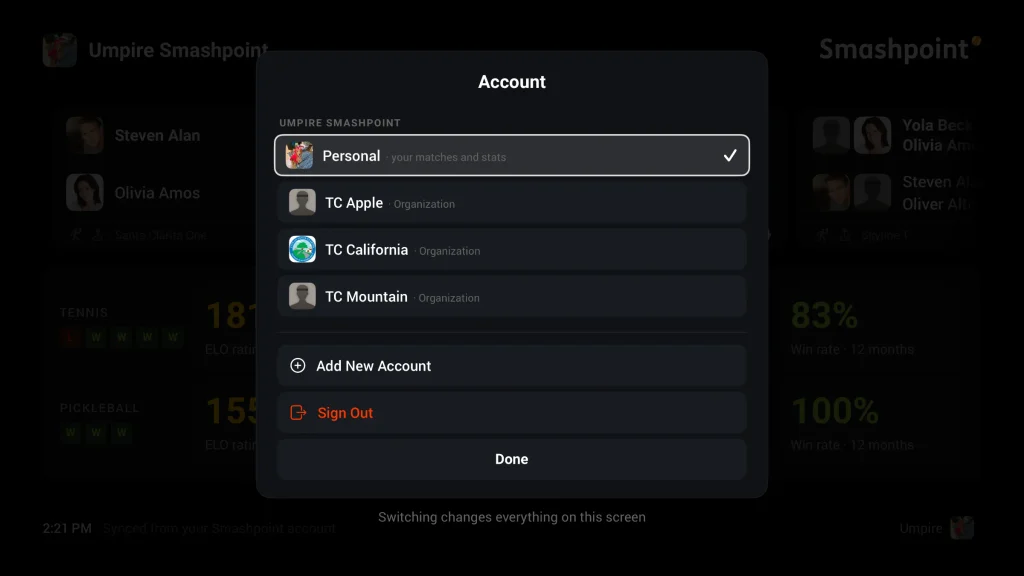
Setup takes about a minute. Download Smashpoint on your Apple TV, and it shows a 4 digit code. On your iPhone, open the user menu, choose Apple TV, and enter the code. The display connects to your account, and you can switch it between your personal account and any Organization you belong to. A display owned by an Organization can be pinned to it permanently.
The Apple TV app is included on every plan, and Pro is included for Organization members in a role that can play. If your Organization is not on Smashpoint yet, it comes with a 14 day trial of everything, no credit card required.
So before you request a quote for scoreboard hardware, try the TV you already have. We think you will leave it on.